
When trying to access their schedule from a hotel in Seoul, the Wi-Fi is spinning, PingID is processing, and the Intralignes page shows a timeout. Most Air France employees have experienced this scenario at least once during a layover. The Intralignes portal centralizes business tools, HR documents, and flight schedules, but accessing it smoothly requires knowledge of some specific technical mechanisms.
Connecting to Intralignes from an external network: the VPN constraint
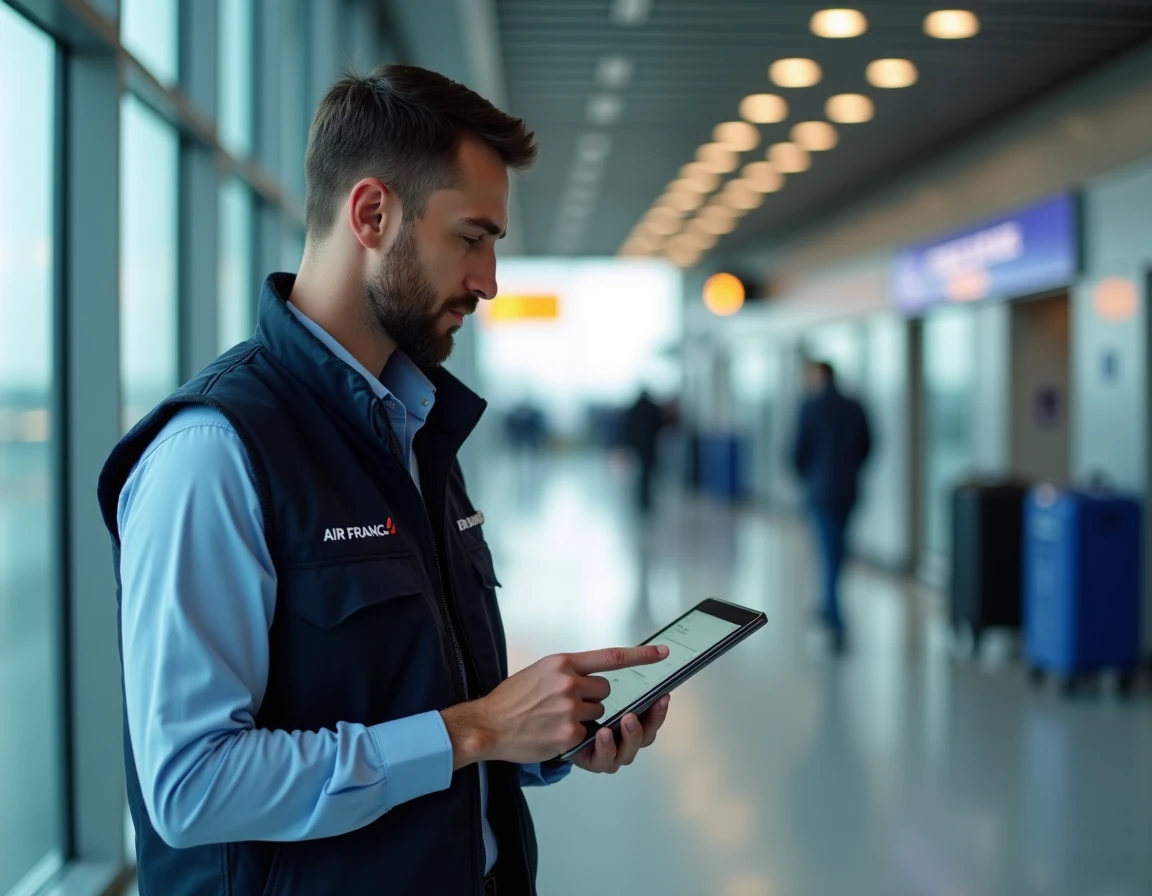
Since the tightening of Air France’s internal policies in 2023, aligned with the CNIL guidelines 2022-2023 regarding remote access, connecting outside the corporate network requires strong authentication. The SSO (Single Sign-On) portal is no longer sufficient: the corporate VPN, called iPN for flight crew, must be activated.
The classic trap is attempting to connect via a public hotel or airport Wi-Fi without launching the VPN beforehand. The page seems to load, then loops back to the authentication screen. You restart, re-enter your password, and the account eventually gets locked after several attempts.
The sequence that works on a personal device is simple but strict: first activate the iPN VPN, wait for the confirmation of a secure tunnel, then open intralignes.airfrance.fr in the browser. Those looking for a detailed guide on accessing Intralignes Air France will find this step-by-step logic. The VPN must remain active throughout the session; otherwise, disconnection is immediate.
PingID and two-factor authentication: configure before you need it
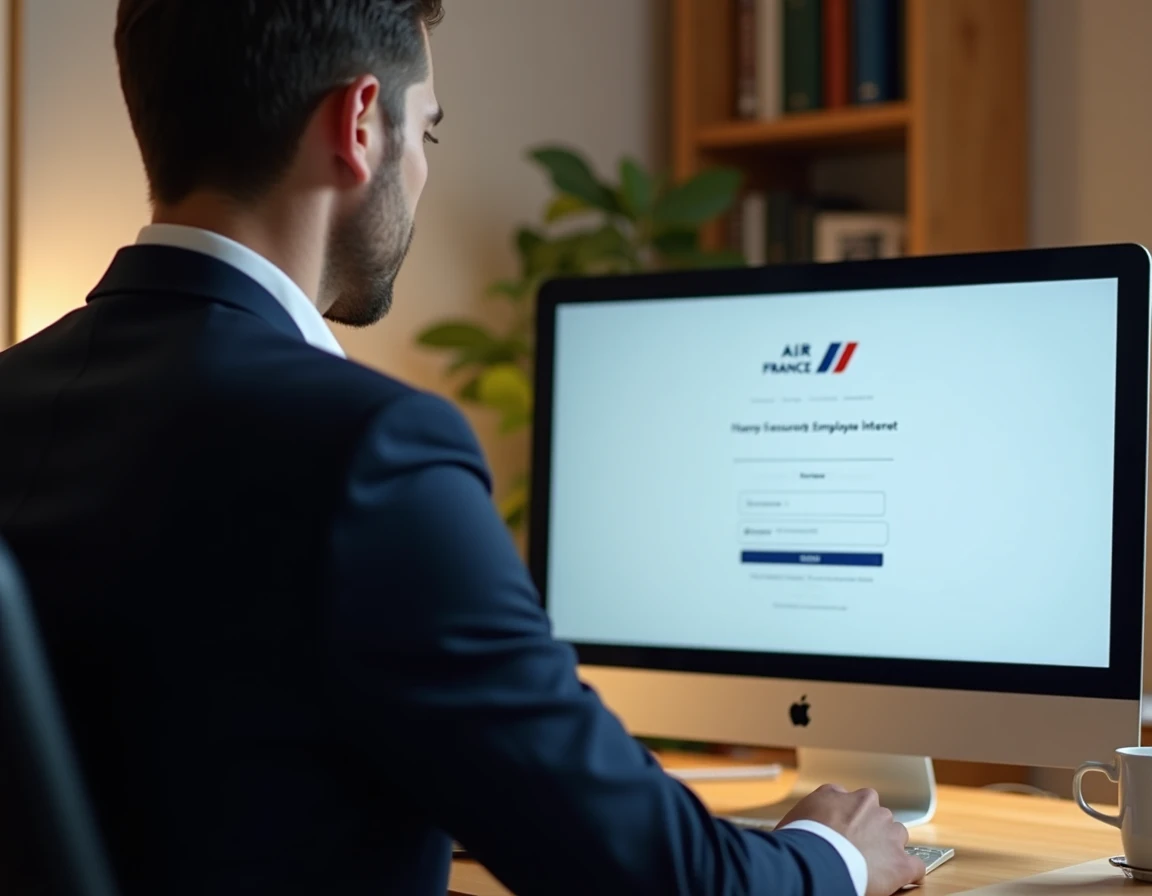
PingID is the two-step validation application used by Air France to secure access to Intralignes. It is configured only once, in principle, but this is where the issue arises: many employees discover PingID on the day they need it, during a layover, without access to the internal network to complete the pairing.
Pairing PingID on a personal device
The pairing must be done on the Air France internal network, from a workstation connected at headquarters or at a base. The application generates a temporary code that the HABILE portal verifies at each connection. If you change your phone without unpairing the old one, the code no longer matches, and access is blocked.
- Install PingID from the official store (App Store or Google Play) before any travel, not during a layover with an unstable network.
- Test the complete validation (HABILE ID + PingID code) at least once from home to identify any potential blockage.
- In case of a phone change, contact the IT service desk to reset the pairing before returning or resetting the old device.
Feedback varies on the reliability of PingID in areas with reduced coverage. Some crew members report push notification delays exceeding a minute during layovers on foreign networks. In this case, switching to manual code mode (displayed directly in the app) avoids waiting for a notification that does not arrive.
Recurring issues during layovers: latency, maintenance, and blocks
The Air France unions (UNSA, CFDT) reported recurring access difficulties for flight crew in rotation between 2023 and 2024. Excessive latency, poorly communicated maintenance windows, incompatibility with certain public Wi-Fi networks: these points have been formally requested for improvement during central CSE meetings.
Three reflexes when the page doesn’t load
Checking that the iPN VPN is properly connected remains the first diagnosis. A green indicator in the VPN application does not always guarantee an active tunnel, especially on a hotel network that filters certain ports.
The second reflex is to clear the browser cache. Intralignes uses session cookies that can conflict after a sudden disconnection. On mobile, forcing the browser to close and then reopening it often suffices.
The third point concerns maintenance windows. Intralignes may be unavailable during night slots Paris time, which falls in the middle of the day for a layover in the Asia-Pacific region. No maintenance calendar is published for employees, complicating planning. The ground reflex: download your schedule and critical documents before departing for rotation, when still on the internal network.
Browser and device: the parameters that change everything
The HABILE portal, which serves as an authentication gateway to Intralignes, works better on recent versions of Chrome and Firefox. Safari sometimes causes redirection issues after PingID validation, especially on older versions of iOS.
On a personal computer, disabling ad-blocking extensions for the airfrance.fr domain prevents interference with the SSO process. Some blockers intercept HABILE redirection requests and cause an endless authentication loop.
For ground staff using a shared workstation at the base, remember to log out properly via the HABILE logout button (not just closing the tab). An unclosed session can prevent the next connection on the same workstation for several minutes.
E-learning modules and micro-training on Intralignes
Air France has deployed, as part of the revised telework agreements between 2022 and 2024, micro-training modules directly accessible from Intralignes. These trainings cover the use of internal digital tools, including time management and navigation within the portal.
These modules are accessible even outside service hours, provided you have an active VPN connection. For flight crew, it’s a useful resource during layover times, as long as the technical setup described above has been anticipated.
Access to Intralignes Air France relies on a technical chain where every link matters: active VPN, PingID configured in advance, compatible browser, cleared cache. Missing just one step can leave you blocked at the worst moment. The best assurance is to test the entire procedure from home, on your own device, before each rotation.